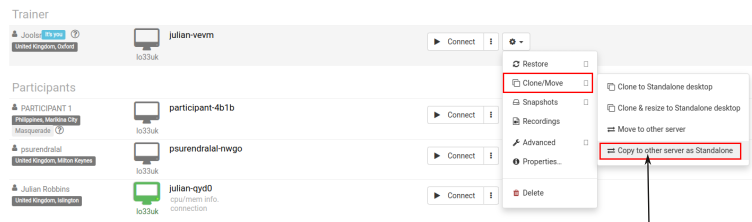
Desktop Snapshots

Use of Desktop Snapshots

Snapshots allows you to 'backup' your virtual machine and restore it conveniently.

For example, if you are undertaking an upgrade which risks breaking your system, you can stop your virtual machine and take a snapshot beforehand.

If the upgrade is successful the snapshot can be deleted and if not, you can restore the previous state of the machine.

Snapshots are available for all types of DaDesktop, ie Fresh Start, Trainer, Participant and Standalone machines can all use snapshots.
Use Desktop after Course Finishes

A neat feature of DaDesktop is the ability for course participants to be able to easily continue using their course machine for practise after their course has finished. The participants are asked by email before the end of the course whether they wish to be able to continue to use their desktop machine once the course has finished.


Trainer Participant

Associate Trainers

An Organization can associate a user outside of it to be a trainer of its organization simply by providing the email address of the trainer.

Associate trainers have more power than normal trainers that you add to a course.

They can create new courses in the associate organization under the condition that they remain the trainer for the course.

Online Class

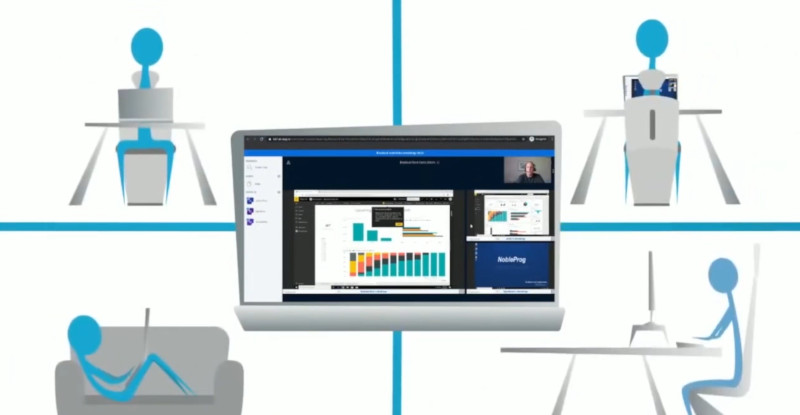
Online learning is a type of distance learning in which a course or program is specifically designed to be delivered entirely online. Faculty apply pedagogical practices that are specialized to learning in a virtual environment for instruction, student involvement, and assessment.

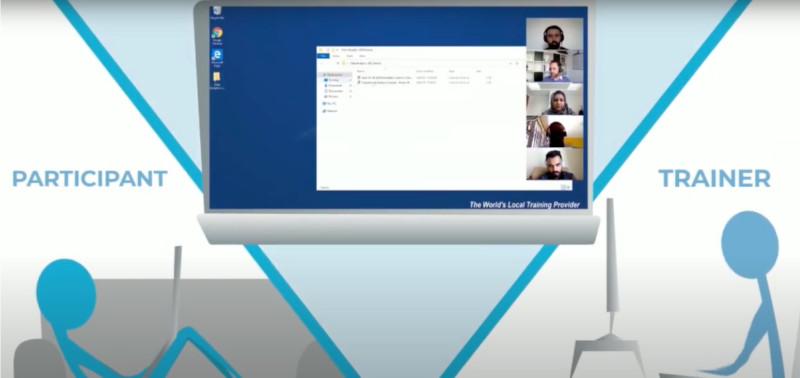
trainer can see and take automatic control of all students

Linux Template Tweaking

Use kernel specific for virtualization

Use  linux-image-kvm kernel which is designed for KVM virtualization.

For example, in Ubuntu, you should execute following commands:

apt install linux-image-kvm
apt purge linux-image-generic
Clean up before publishing a template
# removes logs
journalctl --vacuum-size=1
# removes user history
history -c
(as root) rm /root/.bash_history

Custom OS Template (Linux)

Although DaDesktop maintains a number of popular Linux distros, there may be an occasion when a specific distro that is not available is required. DaDesktop are happy to support this for most mainline Linux distros. Please tell us where to download the ISO file and which server you want to publish the Custom OS template. 

Inviting Participants

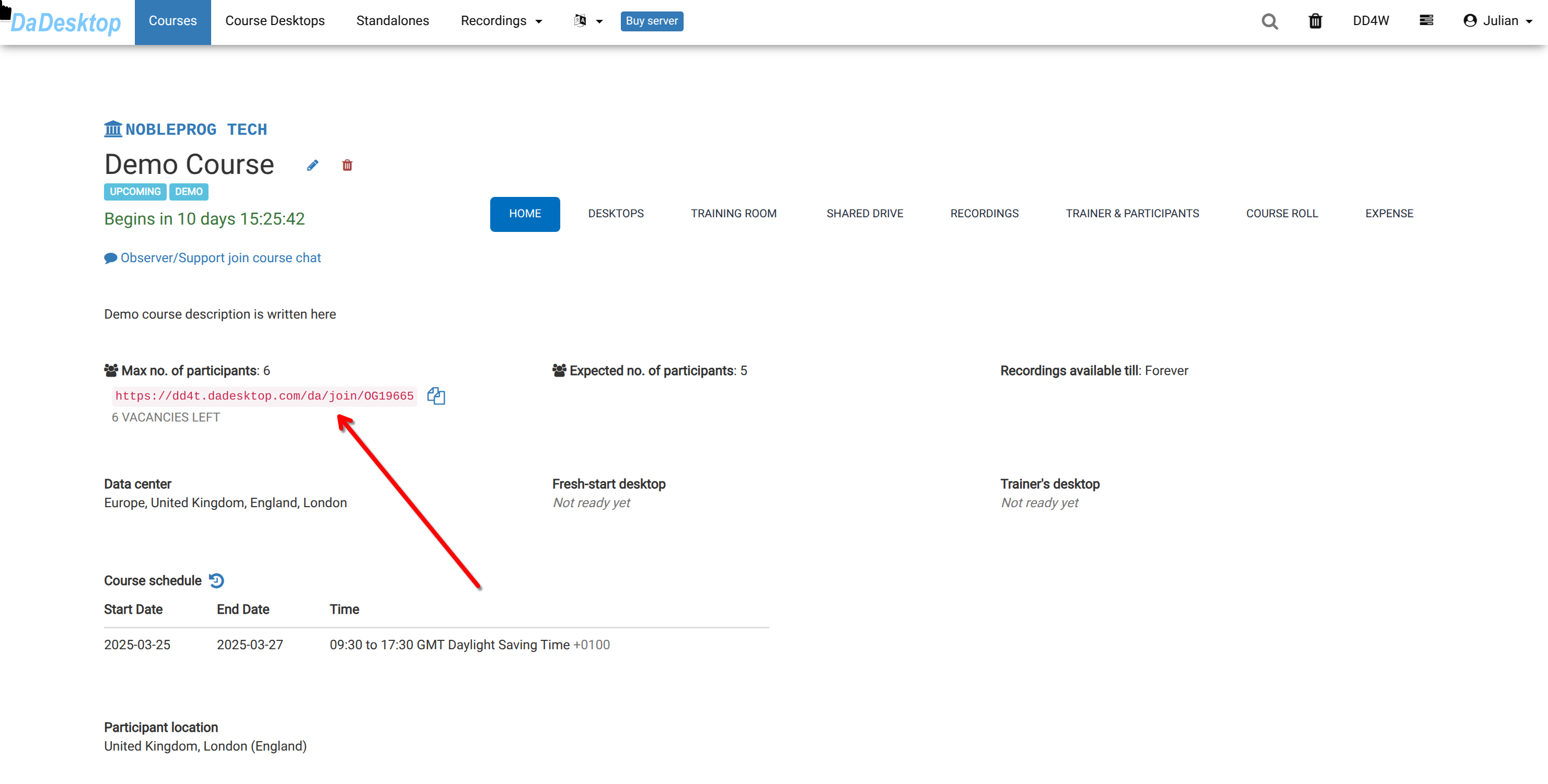
After creating a course, the trainer is able to invite course participants via the "pink invitation link".

  1. Participants can register onto the course by using the link.
  2. The invitation link is for the specific course (one course / one link)
  3. Chrome or Firefox should be used for course registration.

Inviting Participants


Auto Course recording (Trainer's Desktop)

Course recordings of the Trainer's Desktop, or the Training Room (if this is used during the Course) are made automatically during the course.

Press the red-button again to stop the recording.

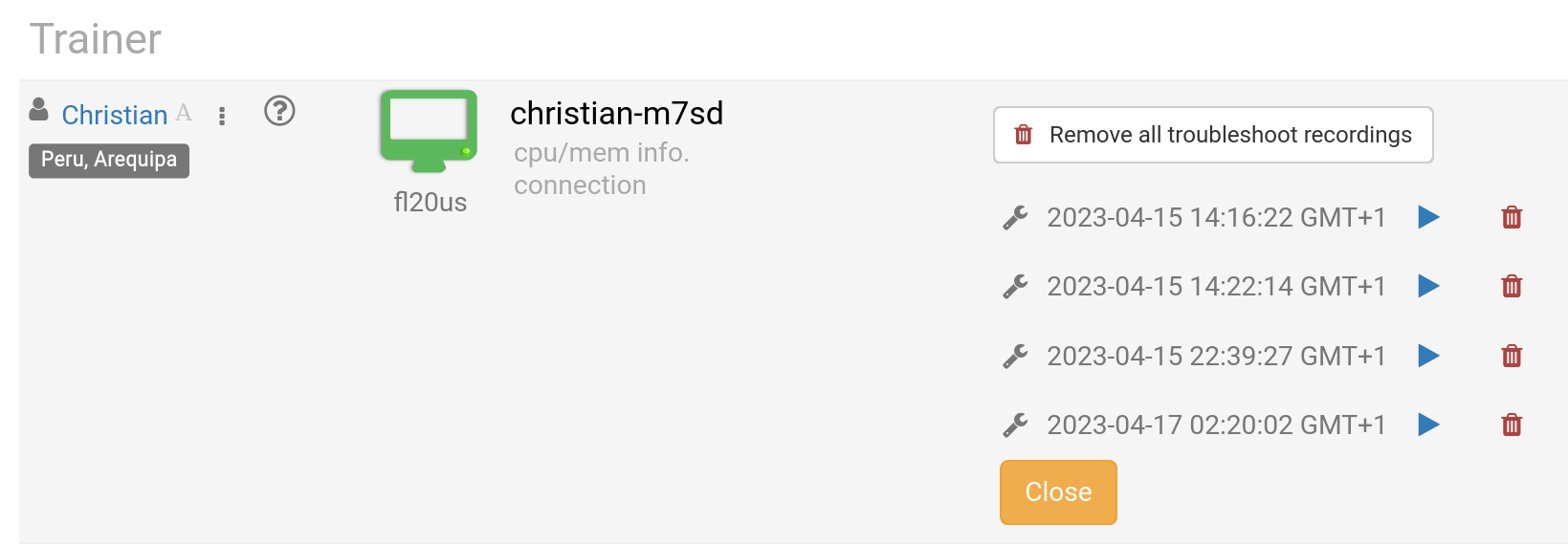
Recordings can be removed by the Trainer as required. Troubleshooting recordings are also made automatically when the course is being prepared, but are only used for troubleshooting course set-ups, if required.

Trainer Recordings

Pages