Managing All Users
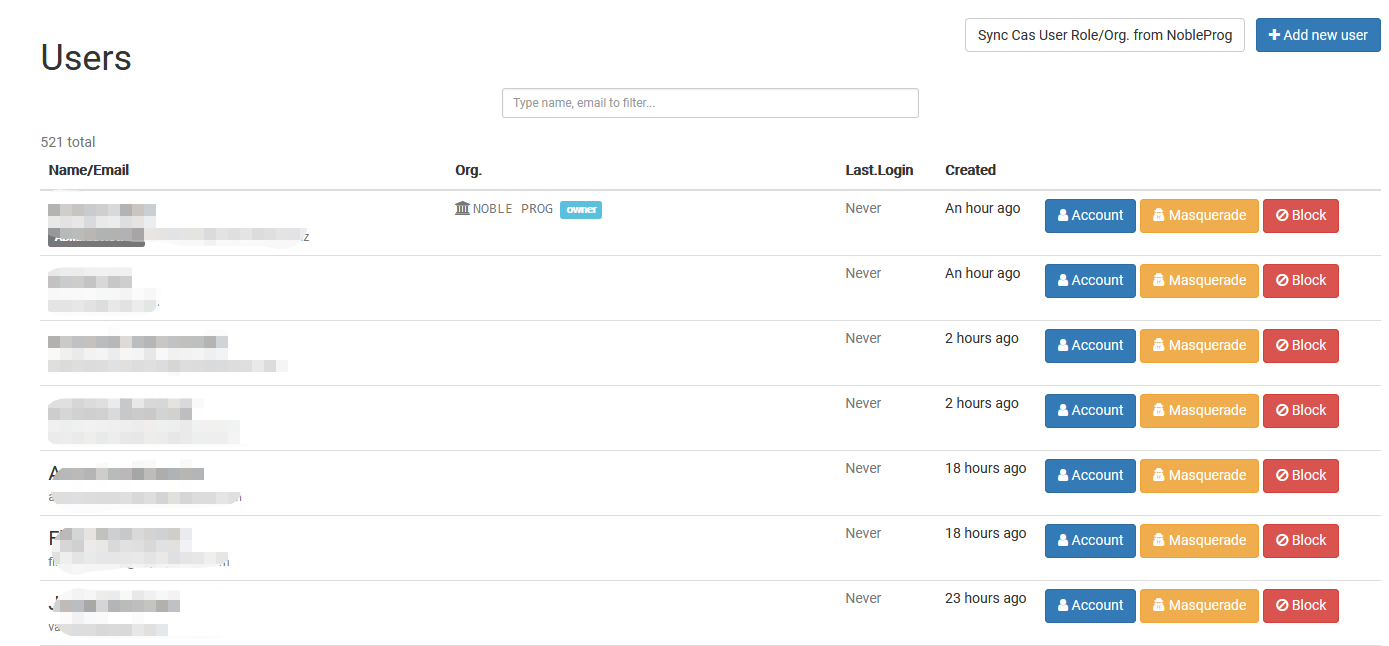
The Managing All Users page provides a central location for users with Super Administrator privileges to view and manage all user accounts across the entire DaDesktop deployment. It allows Super Administrators to quickly locate users, review account information, and perform user management tasks from a single interface.
This page is designed for managing users across all organizations, making it easier to monitor accounts, verify user details, and maintain user records. Access to this page is available only to users with Super Administrator privileges.